用编排表达应用
Describe the application through orchestration
把用户的目标组织成界面和行动之间的关系,并明确可使用的服务与需要保留的信息。
Organise the user’s goal into relationships between interface and action, including available services and information to retain.
让应用跟着人的需求,一起变化。
Applications that evolve with the people using them.
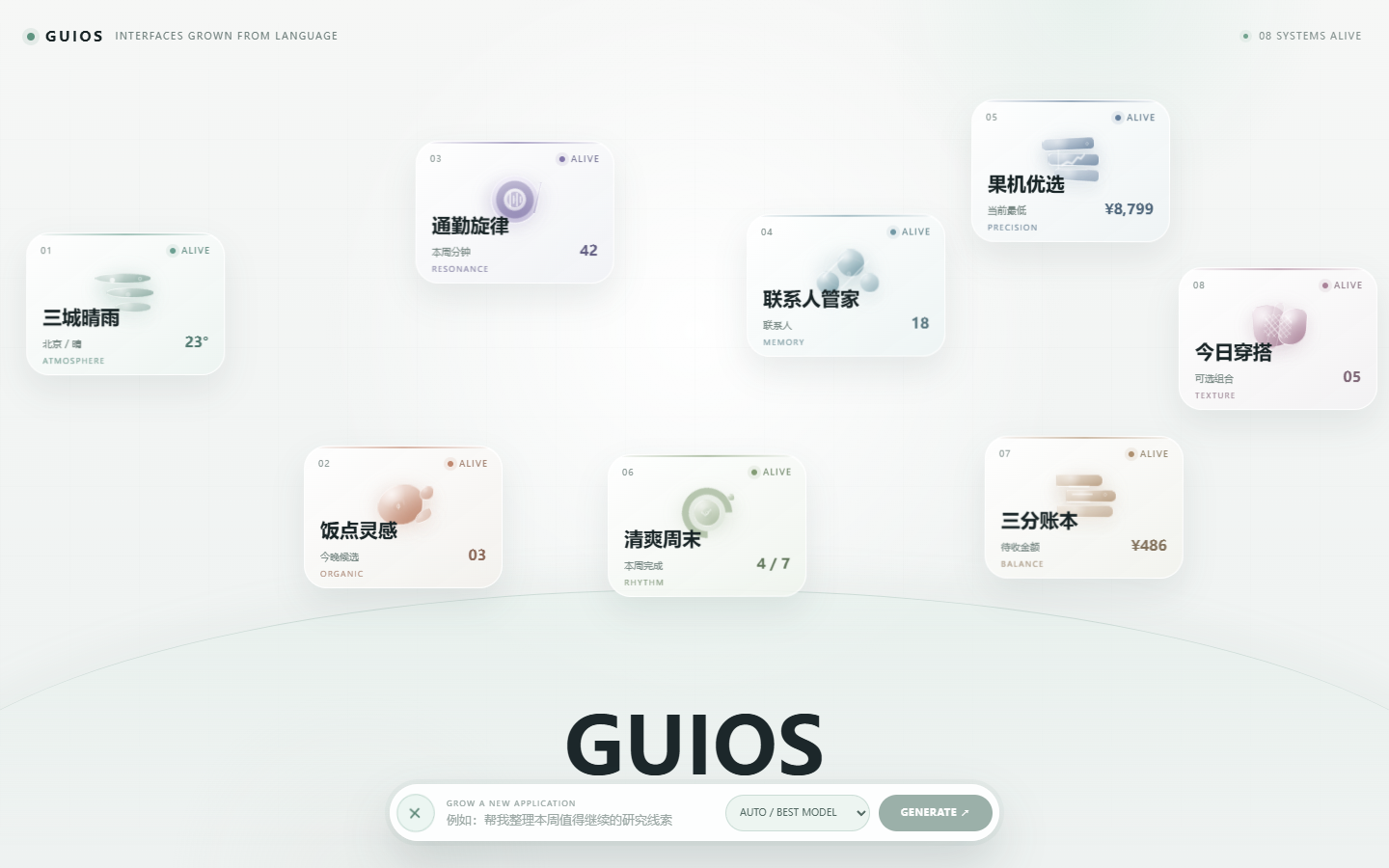
同样是听音乐,有人只想按下播放,有人想比较候选歌曲。听了一阵,又想把感受记成日志。GUIOS 探索的,是让人用自然语言组织自己的应用,并在使用中继续调整它。
One listener wants a play button; another wants to compare songs. Later, either may want a listening journal. GUIOS explores how people can shape a personal application through language and keep adapting it during use.
我们提出 Agent as App:Agent 根据用户的自然语言需求创建个性化应用,并在后续使用中持续解释输入、调用服务、保存信息和更新界面。应用也能随需求调整,保留已有信息,让一次次操作形成连续的使用体验。
We proposed Agent as App: agents create personalised applications from natural-language requirements, then continue interpreting inputs, using services, saving information and updating the interface. Applications can adapt to changing requirements while retaining information across interactions.
GUIOS 将这一模式落到可运行的工作空间,用户可以创建、使用和调整自己的应用。相关论文以 LiveUIAgent 实现这套运行方式,并用 LiveUIBench 评估连续交互中的任务完成情况。
GUIOS puts this approach into a working workspace where people can create, use and adapt their applications. Our paper implements this approach in LiveUIAgent and evaluates task completion through continued interaction with LiveUIBench.
每个应用都有一份任务编排,连接界面元素、操作目标、Agent 角色与保存状态。共享运行时承接后续操作,让应用在不断变化的需求中保持连续。
A task-specific orchestration links interface elements, action goals, agent roles and saved state. A shared runtime carries out later operations, keeping the application continuous as requirements evolve.
把用户的目标组织成界面和行动之间的关系,并明确可使用的服务与需要保留的信息。
Organise the user’s goal into relationships between interface and action, including available services and information to retain.
读取当前输入与已有状态,执行服务操作,保存结果,再由共享渲染器更新界面。
Read current inputs and saved state, perform service operations, save the result and update the view through the shared renderer.
新需求到来时,调整任务编排与界面,同时保留应用身份和已有信息。
Revise the orchestration and interface for a new requirement while retaining the application’s identity and existing information.
购物清单、群组消息、阅读记录与会议跟进,都可以成为工作空间里的一个应用。预览展示当前保存的内容,下方的输入区接收新需求,也接收对已有应用的调整。
Shopping lists, group messages, reading records and meeting follow-ups can each become an application in the workspace. Previews show their saved content; the request area accepts a new application or a change to existing work.
LiveUIBench 将一次使用拆成有顺序的请求:打开应用、提交内容、修改已有结果,再关闭并重新访问。后续操作会用到之前留下的信息,跨应用任务也可能共享同一组服务记录。
LiveUIBench follows ordered requests: open the application, submit content, revise an earlier result, then close and return. Later actions depend on retained information, and applications may share service records.
论文中的基准包含 500 个任务、2,408 个交互阶段和 10,590 项检查,覆盖单应用、多工具协作与共享服务状态三类任务。
The paper’s benchmark contains 500 tasks, 2,408 episodes and 10,590 assertions across single-application, multi-tool and shared-world workflows.
界面、输入和操作入口就绪。
The required views, inputs and action bindings are ready.
请求落到对应的服务操作与记录。
The request reaches the intended service action and record.
改动作用于原有对象,相关信息继续保留。
The revision updates the original entity and retains relevant information.
恢复已保存内容,并核对它与用户目标的一致性。
Recover saved information and check it against the user’s goal.
研究发现,单项检查的通过率与完整流程的完成率会呈现不同的排序。这让产品验证有了更具体的落点:沿着同一个任务,同时追踪用户看到的结果、服务中发生的操作和最终保存的信息。
The study finds that assertion coverage and complete-workflow success can rank systems differently. This gives product evaluation a concrete focus: follow the visible result, service actions and saved information together through the same task.